Create New Wallet Address
There are five types of ways create a new partisia address:
- Mnemonic Phrase
- Private Key
- Twitter Authentication
- Ledger Hardware Wallet
- Backup Keystore File
Mnemonic Phrase
By default the mnemonic phrase will be 12 words, but this increases in setting->General up to (12, 15, 18, 21, 24)
Private Key
The private key should be a hexadecimal string with a length of 64
Twitter Authentication
You can obtain a Partisia Address through Twitter. This is done in cooperation with Torus Labs. Simply authenticate through twitter and the Wallet will automatically create your private key and address for you.
Ledger Hardware Wallet
Currently we are in the Ledger waitlist to be accepted as an official ledger-live app but until then you can still use a ledger hardware wallet if you are willing to set the device in developer mode and manually load the ADPU. Documentation can be found here: ledger-partisia-docs
Backup Keystore File
You can also generate and restore your wallet with an encrypted keystore file. To generate the keystore file select the Export to a Encrypted File option in Menu -> Backup
Receive funds
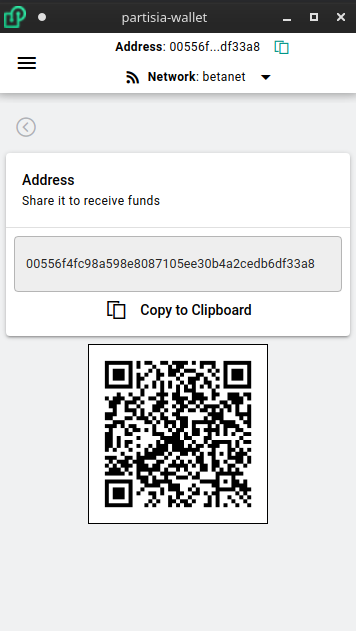
To view your address simply look at the header row of the wallet or click the receive button to show your full address and corresponding QR code